Step 4: Settings Management
Manage your email widget's activation status and removal through the Settings tab.
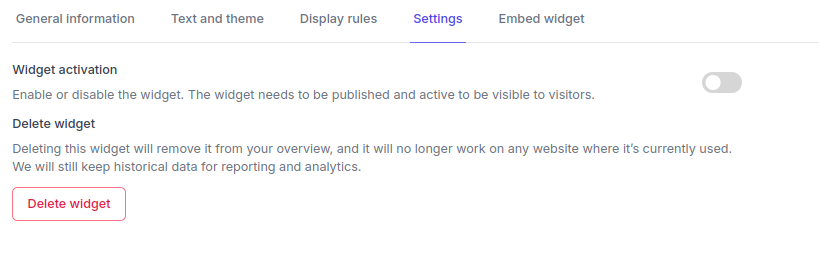
Widget Activation
To make your widget work, toggle it to Active and ensure it's Published (not in draft mode).
- Active: Widget is operational and visible to visitors
- Inactive: Widget is disabled and won't appear to any visitors
Widget Removal
Delete Widget
- Purpose: Completely remove widget and all associated data
- Process: Click delete button → confirm warnings → final confirmation
Next Steps
After managing widget settings:
- Review General Information: Check basic details and consent
- Embed on Website: Get integration code for your site